


The quick answer
What should a restaurant website do first?
Make the location, hours and menu easy to find. Give people distinct choices to book a table or order food. Carry the selected location through the next step, and show whether the booking or order is confirmed. Test on a phone from a local search result.
Give diners enough information to decide
Show the main menu in legible text, with a current date, useful dietary information and clear choices if menus vary by location or service time. Use food photography to help customers understand the offer while keeping the menu readable. Make opening hours, accessibility information and contact details easy to check. Assign someone to replace seasonal prices and menu items when the kitchen changes them.
Build separate booking and takeaway paths
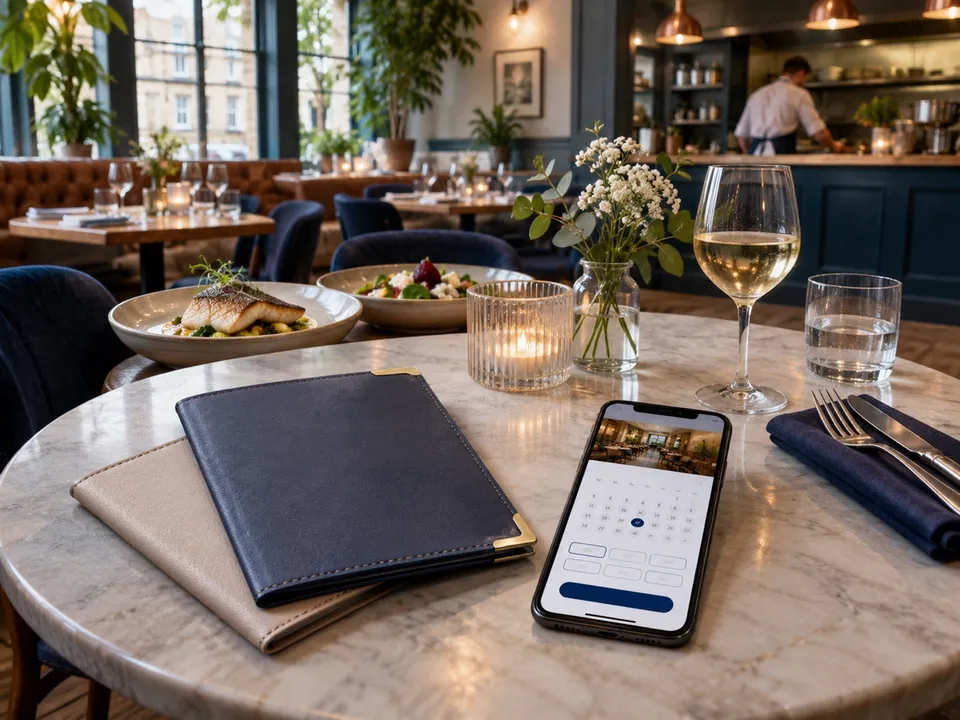
A table booking needs party size, date, time, chosen location and a meaningful confirmation. Include relevant deposit, cancellation and group policies at the right point. A takeaway order needs availability, collection or delivery, realistic fees or minimum order details and a confirmation reference. If a separate booking or ordering provider handles the action, name the destination clearly and open the correct location. Check this even if each branch looks identical on the website.
| Start on a phone and test | Expected result |
|---|---|
| Find a menu from a local search | Current menu and correct restaurant are visible |
| Book for four at the selected branch | Time, branch and confirmation are unambiguous |
| Order for collection | Menu, timing and order confirmation agree |
| Check an allergen before buying | The relevant information is easy to reach and current |
Agree who owns the information after launch
Have the kitchen and front-of-house team verify their part of the journey. UK Food Standards Agency guidance explains allergen information for distance selling, including making it available before purchase and at delivery. Use its current guidance and the business’s allergen procedures, and include the same discipline when ordering happens through a third party. Test who sees exceptions when an item or slot is unavailable.
In the Sagar Restaurant case study, website, Google and delivery touchpoints were part of the same project. That coordination matters because customers can enter from several places and expect the same menu, branch and contact details.
Measure orders and covers separately
Count confirmed reservations and completed orders where your provider makes that possible. A button click shows intent but can be followed by an unavailable slot or failed payment. Review abandoned paths, incorrect-location enquiries and issues staff hear about at the counter. Make the easiest operating fix first, then judge whether a more involved website change is justified.
Common questions
Is a PDF menu enough?
Offer a readable web menu or equivalent accessible content for ordinary phone use. If you include a PDF, keep it current and clearly labelled.
Should I bring ordering in-house?
Compare fees, staffing, delivery coverage, support and the customer experience before moving. Test how your team would handle a busy service.
Should multi-location restaurants share one booking button?
Only if it takes customers to a clear location choice or preserves the branch they already selected.